A Concierge Staff Scheduling App Built for Field Teams
Give every concierge, porter, and maintenance technician a single app for shifts, tasks, and reporting. GPS-verified attendance, offline support, and real-time updates keep operations running even when managers aren't on site.
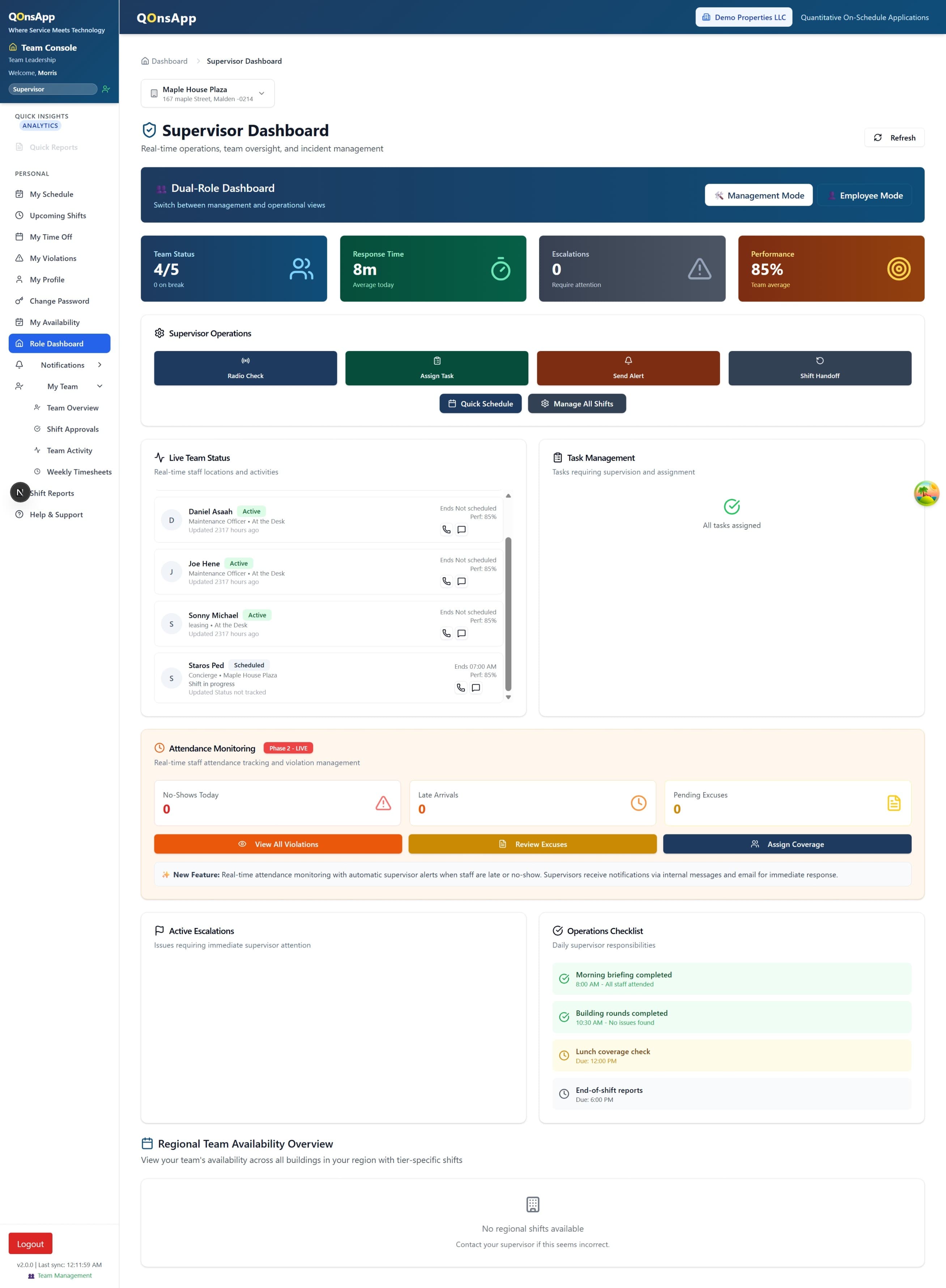
Most property management software is designed for desktop users sitting in an office. But concierge staff, porters, and maintenance technicians spend their day on their feet, moving between lobbies, loading docks, and mechanical rooms. A JLL workforce study found that 72% of frontline property staff rely on personal phones as their primary work device. Any concierge staff scheduling app that ignores this reality will struggle with adoption.
A mobile-first approach doesn't mean shrinking a desktop dashboard onto a smaller screen. It means designing every interaction for someone who has one hand free, limited connectivity, and about ten seconds of attention between tasks. That's the philosophy behind QonsApp's field staff experience.
What follows is a practical walkthrough of each capability: how GPS-verified attendance works, what shift swapping looks like from a staff member's phone, and why offline support matters more than most vendors admit. If you're evaluating scheduling tools, this will help you know what to look for.
What Can Field Staff Do from Their Phone?
Six capabilities that turn a personal smartphone into a complete operations tool for concierge and property teams.
GPS-Verified Clock In and Out
Staff clock in from their phone when they arrive on site. The app verifies their location against the property’s geofence before recording the timestamp. Managers see a live attendance feed across all buildings, and the data flows straight into payroll without manual entry.
One-Tap Shift Swaps
When a team member needs to swap a shift, they post it to the swap board from their phone. Eligible colleagues receive a push notification and can claim the shift instantly. Managers approve or auto-approve based on rules they set, so coverage stays intact.
Task Checklists with Photo Proof
Each shift loads a checklist tailored to the property and role. Staff tick off tasks as they go, attach photos for verification, and flag anything that needs follow-up. Supervisors review completed checklists in real time without calling the front desk.
Incident Reporting on the Spot
Field staff log incidents directly from the app the moment they happen. They can attach photos, tag a severity level, and notify the relevant manager. The report is timestamped and geotagged automatically, creating an audit trail for compliance reviews.
Push Notifications for Every Update
Schedule changes, new task assignments, swap requests, and urgent alerts all arrive as push notifications. Staff don’t need to check a portal or wait for an email. Managers control notification rules per property, so the right people hear about the right things.
Offline Mode for Low-Connectivity Sites
Basements, parking garages, and rural properties often lack reliable signal. The app queues clock-ins, checklist updates, and incident reports locally, then syncs everything once connectivity returns. No data is lost, and timestamps reflect the actual moment of action.
Why Does GPS-Verified Attendance Matter?
Time theft costs U.S. employers roughly $11 billion per year, according to the American Payroll Association. In property management, where staff work across scattered sites with minimal direct supervision, the problem compounds quickly. GPS-verified clock-ins solve this without adding friction for honest workers.
Here's how it works in practice. Each property has a geofence, typically a 100-metre radius around the building entrance. When a staff member taps "Clock In," the app checks whether their phone falls within that boundary. If it does, the timestamp is recorded and tagged as verified. If not, the attempt is flagged for manager review.
The data feeds directly into payroll integration, so there's no gap between the hours worked and the hours paid. Managers don't need to cross-reference sign-in sheets or chase timecards. The system handles it, and discrepancies surface automatically. Pair this with AI-powered scheduling to close the loop between who was scheduled and who actually showed up.
How Does the Mobile App Work?
Three steps from download to full operational visibility. No lengthy training sessions or IT involvement required.
Download and Sign In
Staff download the app and log in with their existing credentials. Their assigned properties, upcoming shifts, and task checklists load immediately. No separate onboarding portal or manual setup is needed.
Work the Shift from Your Phone
Clock in when you arrive, work through the task checklist, report any incidents, and clock out when done. The app captures everything with timestamps and location data so managers have a complete picture.
Managers Review and Act
Supervisors see real-time attendance, completed checklists, and open incidents on their dashboard. Attendance data syncs to payroll automatically. Patterns like late arrivals or recurring issues surface without manual digging.
How Does Offline Mode Keep Data Intact?
A OpenSignal analysis of indoor mobile coverage shows that building basements and parking structures lose signal up to 40% of the time. For concierge and maintenance staff, those are exactly the places where work happens. An app that fails offline is an app that fails where it's needed most.
The offline engine stores all pending actions locally on the device. Clock-ins, checklist completions, and incident reports are timestamped at the moment they happen, not when they sync. Once the phone regains connectivity, the queue processes in order and the server reconciles any conflicts. Staff never have to re-enter data or wonder whether their work was saved.
This matters most for incident reporting. If a staff member photographs a water leak in a basement with no signal, the report shouldn't wait until they walk back to the lobby. Offline mode ensures the report exists the moment it's created, even if delivery to the server comes minutes later. For a broader view of how this data feeds into operations, explore the multi-property dashboard.
How Do Shift Swaps Work on Mobile?
Research from the Society for Human Resource Management (SHRM) shows that schedule flexibility ranks among the top three factors in frontline employee retention, behind only pay and management quality. Giving staff a simple way to swap shifts without calling a manager directly addresses that need.
The swap flow takes under a minute. A staff member opens their upcoming schedule, taps the shift they want to trade, and posts it to the swap board. The system filters eligible colleagues by availability, qualifications, and overtime limits, then sends them a notification. The first person to accept gets the shift. If auto-approval rules are configured, no manager intervention is needed at all.
Every swap is logged with timestamps and the identities of both parties. This keeps an audit trail for compliance and helps managers spot patterns. If the same person is swapping every Friday evening shift, that's a conversation worth having, and the data makes it visible without guesswork.